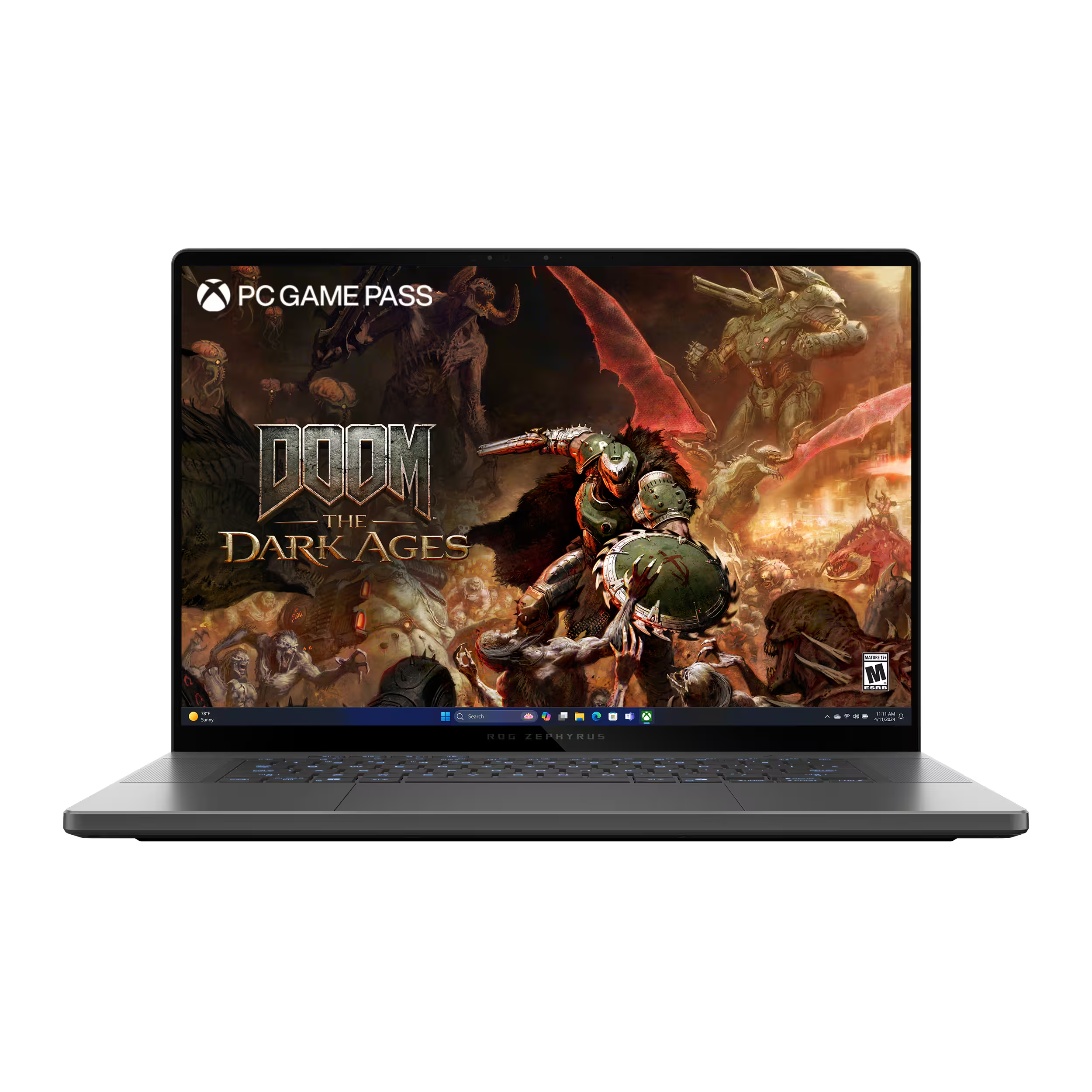
My Honest Experience With the ROG Zephyrus G14
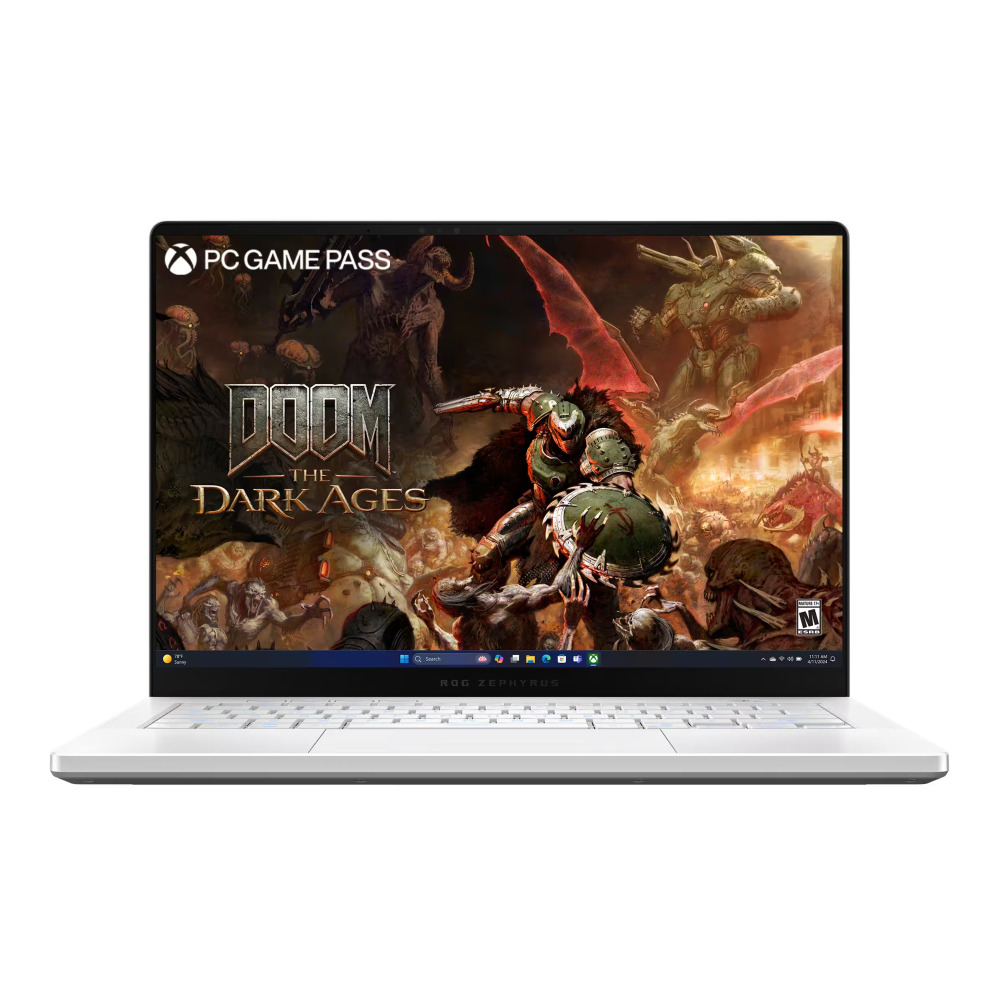
I've been using the*ROG Zephyrus G14, and my overall opinion is that it's a very good laptop—but it isn't a laptop I'd recommend to someone who doesn't want to pay attention to what their computer is doing.
The hardware is powerful, the laptop is relatively compact, and it handles demanding software extremely well. But there are definitely some things you need to understand before buying one.
The biggest thing I've learned is that **the G14 needs to be managed.
Heat Is Something You Have to Watch
The G14 can get hot. That's not something I would try to sugarcoat.
You're putting powerful CPU and GPU hardware into a relatively small laptop, so when you're actually pushing the machine, temperatures can climb quickly.
I use G-Helper to manage the different performance modes, fan behavior, and power settings. For me, this is practically essential.
I don't want my laptop running aggressively when I'm just browsing the web, writing code, or doing normal desktop work. At the same time, if I'm doing something demanding, I want the performance available.
You basically have to learn how your particular machine behaves and adjust accordingly.
Battery Life Also Requires Attention
Battery life is another area where I wouldn't simply trust the laptop to figure everything out automatically.
If you're using conservative settings and doing normal work, battery life can be perfectly reasonable. Start pushing the CPU and GPU, though, and that battery can disappear much faster.
And this isn't limited to gaming.
One thing I've learned while using AI software is that **AI workloads can put a serious load on the GPU.
For example, I've used ComfyUI for video generation, and even though I'm not playing a game, the GPU can be working extremely hard. That means heat, fan noise, and battery consumption can all increase.
So if you're buying the G14 specifically for local AI work, don't assume that "I'm only running an AI program" means the laptop is doing something light.
G-Helper Makes a Difference
For me, G-Helper is one of the most useful parts of the overall experience.
It gives me much more control over how the laptop behaves instead of simply letting the system run at whatever settings it decides to use.
But that's also why I'd describe the G14 as a laptop for someone who is comfortable with computers.
You need to understand what the different modes actually do. You should occasionally look at temperatures and utilization. You should understand why the fans are suddenly running hard or why the battery is draining quickly.
None of this is particularly difficult if you're technically inclined, but it can be annoying if you expect everything to be completely automatic.
My Biggest Complaint
My biggest complaint isn't really that the G14 is incapable of something.
It's that you have to pay attention.
When I'm using it for normal work, I don't want to think about temperatures, power limits, GPU modes, or battery consumption. But with this type of hardware, especially when running AI applications, those things matter.
I've found that once I configured the laptop properly, the experience became much better.
Would I Buy It Again?
Personally, yes—but with the same qualification.
I think the G14 is a great machine for someone who understands what they're buying
It's powerful and versatile, and I've had no problem using it for demanding applications, including local AI workloads. But I wouldn't describe it as a completely hands-off laptop.
If you're willing to learn G-Helper and keep an eye on heat, power consumption, and battery life, you can get a lot out of it.
If you want a laptop where you never have to think about any of those things, I'd look elsewhere.
My bottom line as a user: the G14 is powerful, compact, and capable, but it rewards you for knowing how to manage it. The hardware is great—you just have to remember that all that performance comes with heat and power requirements.